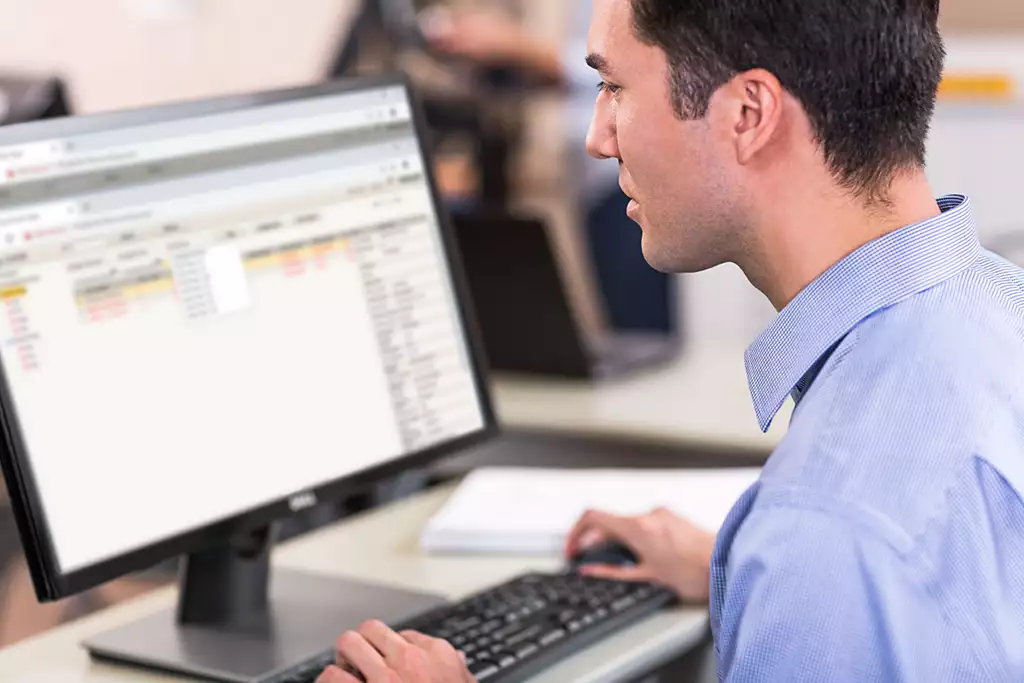
-Diagnostic ECG; The Philips Device Management Dashboard for PageWriter TC Cardiographs is a web-based tool that provides visibility to your PageWriter TC series devices from a single location for quick and efficient troubleshooting and device support, letting you remotely diagnose problems and view device statuses for select Philips cardiographs and patient monitors. You can view device configuration, location of last WLAN/LAN connection, wireless IP address and access point, enabled product options, and error log – all from your PC or mobile device.
-Features*
-See cardiograph status in real-time; The Dashboard helps your team remotely manage and maintain your wireless and wired devices. Visibility to device error logs, on-line status and battery health allows you to quickly make decisions on how to deploy resources to maintain clinical up-time. Wireless IP address and Access Point information can help confirm device location within the institution, helping you with device deployment.
-Remotely view cardiograph state-of-health; Manage service response effectiveness with centralized visibility to device error logs, on-line status and battery health for up to 15 simultaneous users. Deploy support where and when it is needed. You can be proactive instead of reactive to minimize clinical interruptions.
-Communicate service issues more effectively; Improve service call efficiency by sharing device management information with your service representative to quickly resolve device malfunction issues.
-Scalable license structure for program flexibility; Licenses packages from 50 to 5,000 devices support small and large institutions. Easily add more licenses as your institution grows without adding network overhead.
-Update software from one central location; The Device Management Dashboard for PageWriter TC Cardiographs enables software to be updated from a central location to keep your cardiograph fleet on the latest security and operational level. No need to send your team out to manually make these changes. You can even push out a common device configuration to all cardiographs for a consistent user experience within the care area or across the enterprise.
-Save time and resources; Maintain the security and operational consistency of your cardiograph fleet with Dashboard’s centralized software update capability; you no longer need to visit every device to manage software versions. Additionally, you can manage device configurations within a care area, or enterprise-wide, all from a central location.
-Leverage your hospital’s network infrastructure; Locally hosting the Dashboard on your server gives you near real time status information from your connected fleet, allowing quick visibility and diagnosis. Access for up to 15 simultaneous users can speed troubleshooting and empowers your whole team to solve critical device issues with knowledge and efficiency.
-Specifications*
-Compatibility*
-Server Requirements;
-Windows Server 2012 R2 Standard
-Windows Server 2012 R2 Datacenter
-Windows Server 2016 Standard
-Windows Server 2016 Datacenter
-SQL Server 2012 Standard
-SQL Server 2012 Business Intelligence
-SQL Server 2012 Enterprise
-SQL Server 2016 R2 Standard
-SQL Server 2016 R2 Enterprise